
- Pages
- Serves the app and the API
- D1
- Holds your notes, in SQLite
- R2
- Holds your files, up to 25 MB
- MIT
- Open source, no monthly fee
Markflare: A Notion you own, in your own Cloudflare account.
A block editor with a / menu, nested pages, to-dos, code, math, tables and public share links. No server to maintain, no Docker, no subscription.
git clone https://github.com/Chaska-dev/Markflare.git 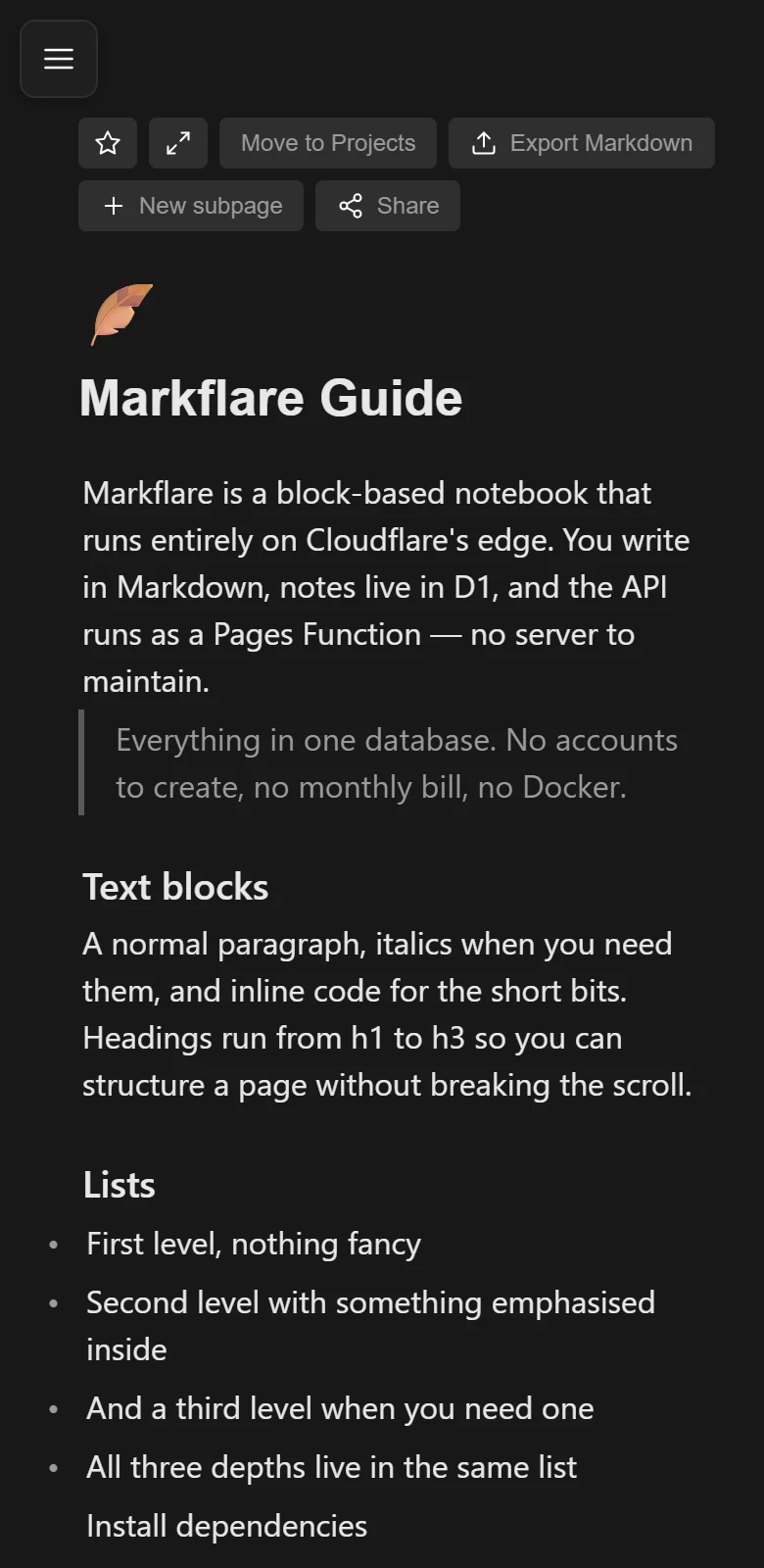
What's inside
Everything the ZIP carries, with no plugins and no paid tier. If it is not on this list, the app does not promise it.
-
Block editor
Type / and pick: headings, lists, to-dos, code, math, tables, quotes, callouts, images, files and subpages.
/ -
Nested pages
A page holds subpages. Deleting one moves its children to the Trash, where they can be restored.
tree -
Drag and drop
Move and nest blocks. Drop an image or a document onto the page and it uploads.
≤ 25 MB -
Public links
One click publishes a page and its subpages read-only. Another click revokes it.
128-bit -
Markdown
Import a .md file as a page and export any page back to Markdown.
.md -
MCP server
Connect Claude Desktop, Cursor or Zed to your workspace to read, search and import notes.
pnpm run mcp -
Bilingual
English and Spanish interface, light and dark themes, switched on the fly.
EN · ES
Instructions
Method 1 of 3: the Cloudflare dashboard. About 15 minutes.
You need a Cloudflare account, node and pnpm.
-
1. Get the code
Clone it and build it. You get a dist/ folder.
git clone https://github.com/Chaska-dev/Markflare.git cd Markflarepnpm installpnpm run build -
2. Create D1 and R2
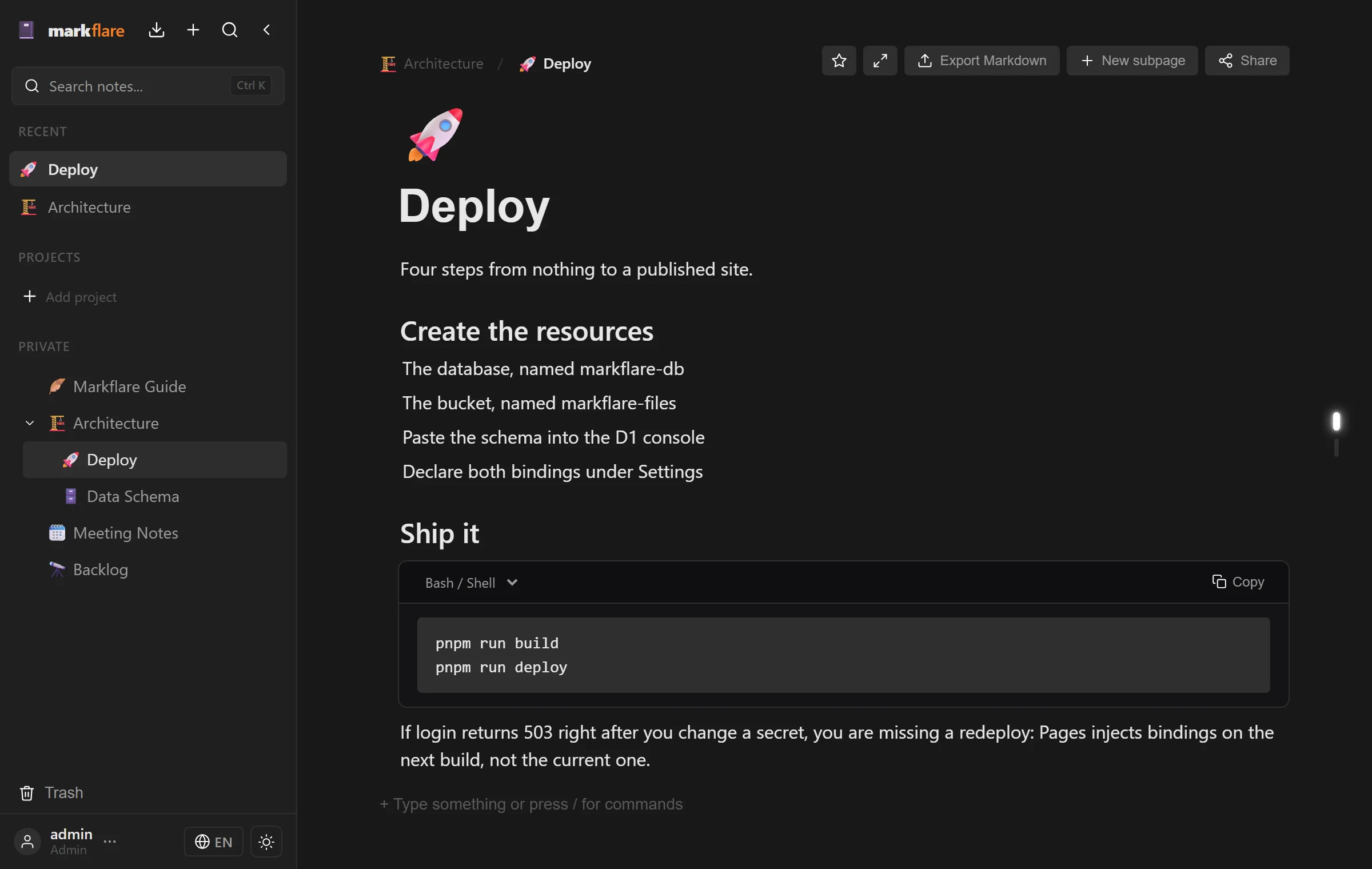
In the dashboard: a D1 database named markflare-db and an R2 bucket named markflare-files. Keep the bucket private.
-
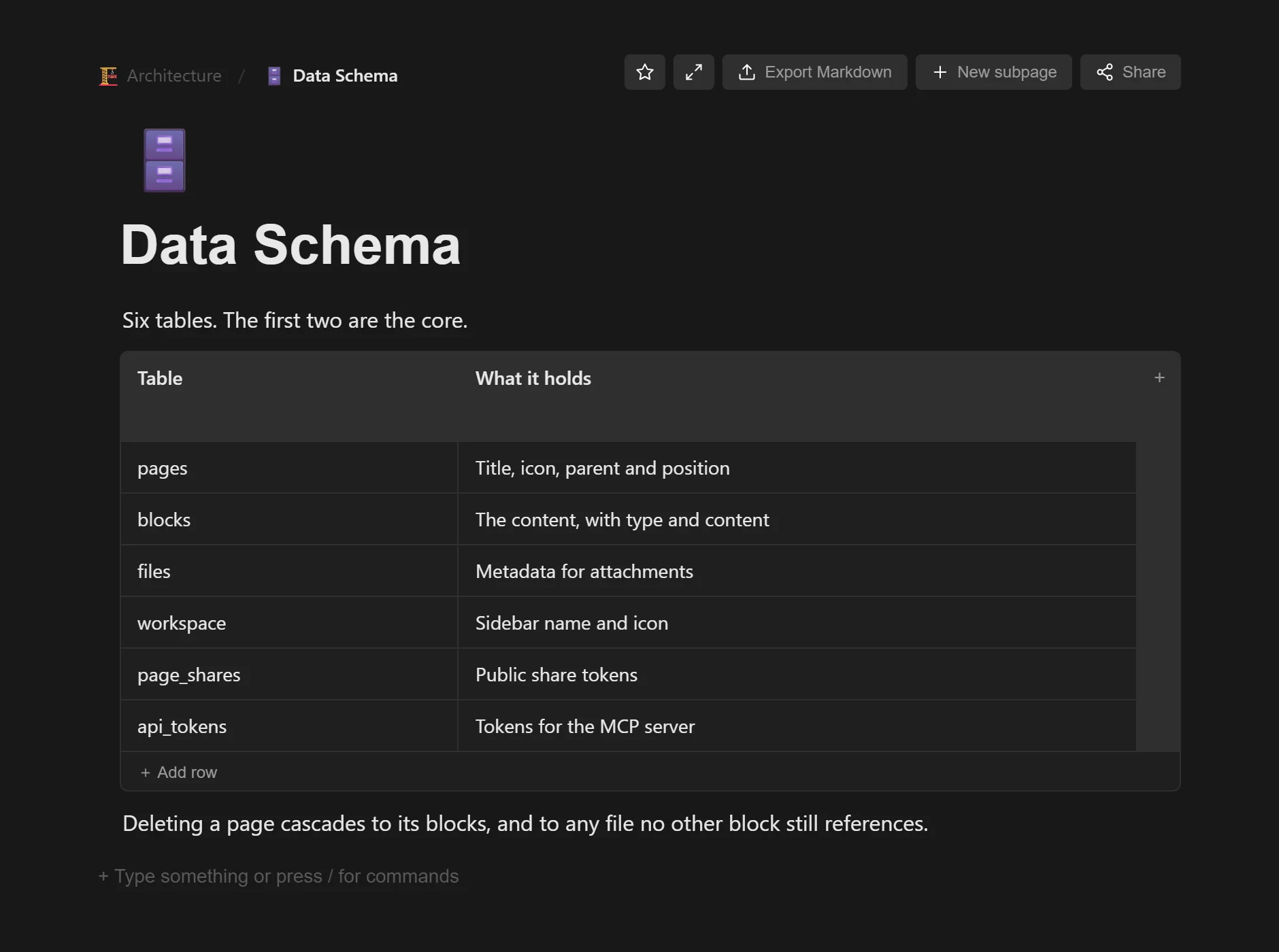
3. Create the tables
Open markflare-db, Console tab, and paste the SQL blocks in order. Every one uses IF NOT EXISTS.
SQL blocks in the README -
4. Wire it and lock it
Create the Pages project and upload dist/. Bind DB and BUCKET, and add three encrypted secrets.
DB      → markflare-db
BUCKET  → markflare-files
AUTH_USERNAME · AUTH_PASSWORD · AUTH_SECRET
Generate AUTH_SECRET with openssl rand -hex 32
-
5. Light it
Your workspace is live at markflare.pages.dev. If login answers 503, redeploy: secrets land on the next deploy.
The other two methods
Everything through wrangler and a local wrangler.toml.
pnpm run db:migrate:prod && pnpm run deploySpecifications
- Frontend
- React 18, Vite 5, TypeScript
- API
- Pages Functions with Hono. Locally, Express 5 with the same routes
- Notes
- Cloudflare D1. Locally, a SQLite file
- Files
- Cloudflare R2, private bucket, 25 MB max. Locally, uploads/
- Access
- Single user. 24 h HMAC-SHA256 tokens
- Login
- 5 attempts per minute per IP, max
- Sharing
- 128-bit tokens, scoped to the shared subtree
- MCP
- @modelcontextprotocol/sdk, with per-client tokens
- Packages
- pnpm
- License
- MIT
Light your own.
Clone it, create D1 and R2, set three secrets. Your notes live in your account from the first minute.
git clone https://github.com/Chaska-dev/Markflare.git